React native pros and cons in app development
When to build your app with React Native and when to go native: what changed with the New Architecture, Expo and Hermes, a decision checklist, cost drivers and FAQ.

React Native is the right choice when you need one team to ship the same product on iOS and Android, share most of the code between the two, and keep releasing quickly after launch. Native development is the right choice when the app is the device: heavy graphics, deep operating-system integration, or a product that will only ever live on one platform. Everything else in this guide is about telling those two situations apart before you commit a budget. We first published it in 2021 and rewrote it in 2026, because the framework, its tooling and the trade-offs have all moved.
What changed since 2021
Three things make the 2021 version of this article out of date.
First, the architecture. The original React Native ran your JavaScript in one thread and the native UI in another, and passed serialized messages between them over an asynchronous "bridge". That design is what gave the framework its reputation for stutter in list-heavy screens and for awkward native integrations. The New Architecture replaced the bridge with a direct JavaScript-to-native interface (JSI), a new renderer (Fabric) and lazily loaded native modules (TurboModules). Calls between JavaScript and native code are now synchronous when they need to be, and the renderer can commit UI updates in step with React itself. It has been the default for new projects since the 0.76 release line.
Second, the toolchain. Expo went from "the beginner's sandbox" to the toolchain the React Native team itself recommends for new apps. It handles the native build configuration, over-the-air updates and the app-store submission steps that used to eat weeks of a first project. Our own React Native work has run on Expo for years, including Caidr, a symptom-assessment app built on Expo, Firebase and Redux.
Third, the engine. Hermes, a JavaScript engine built for React Native, is now the default. Cold start and memory use, the two complaints we heard most from clients in 2021, are simply less of an argument than they were.
The difference from native development and why RN saves money and time
The primary difference is still the one that mattered in 2021: one codebase, one team, two platforms. A React Native app is written once in JavaScript or TypeScript with React, and the framework renders real native views on each platform. You do not build the iOS app and then the Android app; you build the app, and adjust the handful of screens where the platforms genuinely differ, such as payment sheets, permissions dialogs and navigation gestures.
You still cannot do entirely without native code. Modal behaviour, Apple Pay and Google Pay, background tasks and some camera or Bluetooth work end up in small native modules. That is why the React Native developers worth hiring are the ones who have shipped native iOS or Android work before: they know when to drop down a level and when the JavaScript side is enough.
What makes the approach cheaper is not the licence (there is none) but the shape of the team. One product manager, one designer and one engineering team carry both platforms through discovery, build, release and every update afterwards. With two native teams, every feature is specified twice, tested twice and released twice, and the two apps drift apart unless someone spends effort keeping them aligned.
Native development is the better path when the application needs the last drop of rendering performance, when it leans on platform features that React Native exposes only through third-party modules, or when the product is deliberately single-platform. The native app you get at the end of that road is faster and closer to the platform, and it costs more to build and to maintain. If that trade is worth it for your product, make it consciously; most business apps do not need it.
App examples for which RN is a better option
It is a common misconception that React Native is only for simple, form-heavy applications. Meta builds parts of Facebook and Instagram with it, Microsoft ships it inside Office and Windows, and Shopify moved its merchant apps to it. Those are not small products, and they are not simple ones.
The framework fits best when the two platforms share most of the product:
- You want to save money and time by running one team instead of two;
- You target iOS and Android users with an app that behaves the same on both;
- You need a broad feature set, smooth navigation and standard animations, delivered quickly;
- You expect to release often after launch and want one release train, not two;
- You want the web team and the mobile team to share language, tooling and sometimes code.
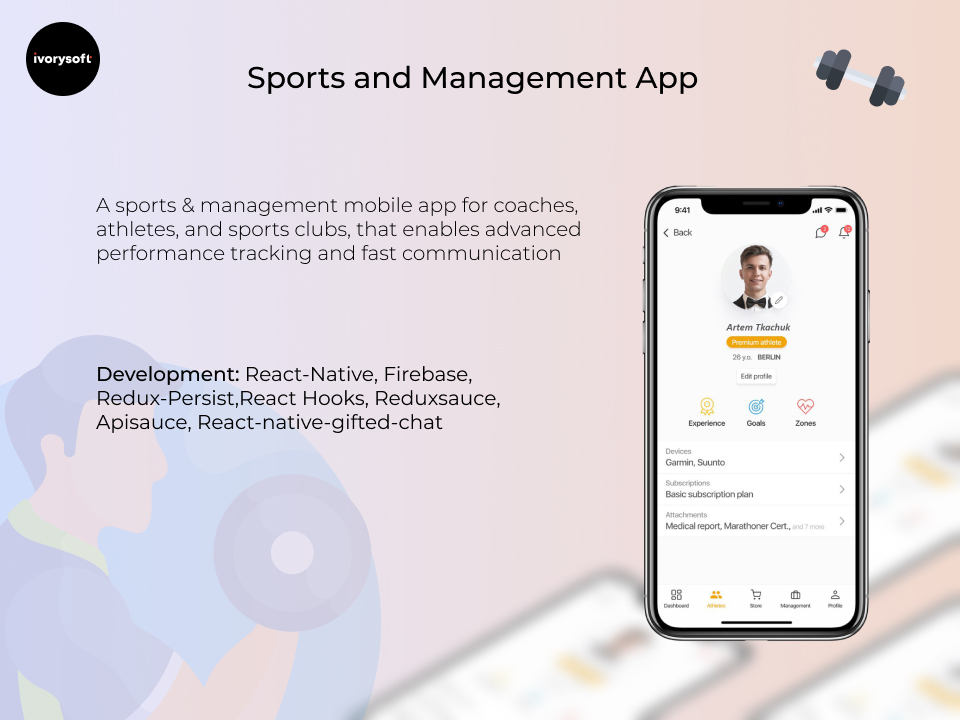
Our sports-management app GoHeja for athletes, coaches and clubs is a good example of how far one codebase can go: payments, live training tracking and instant chat, all shipped to both stores from the same repository.
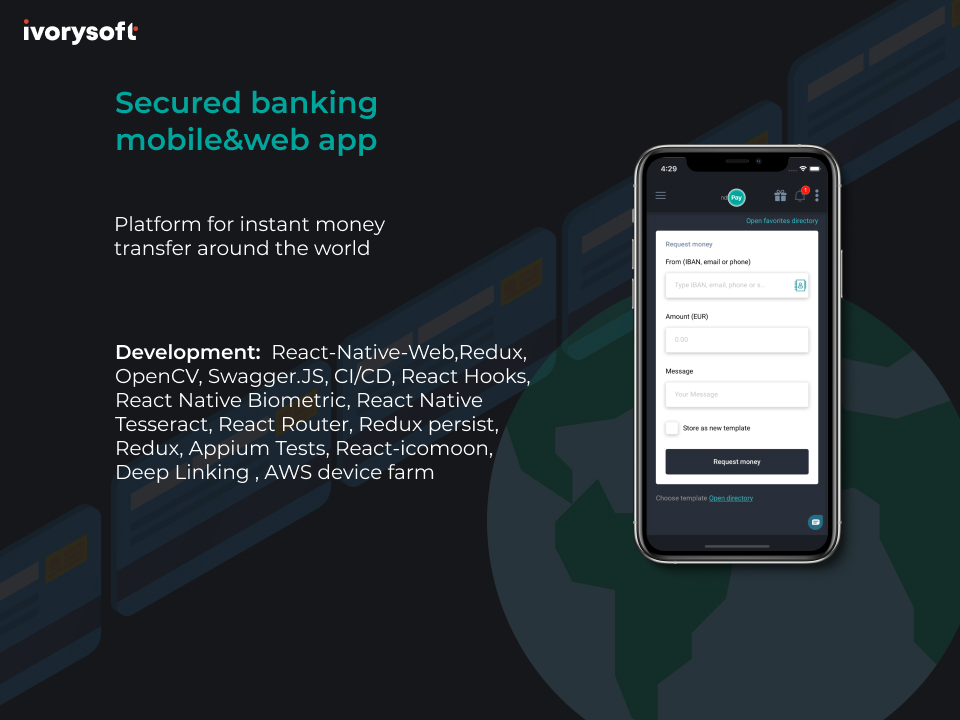
ndPay, a digital banking app we built with React Native, connects to multiple bank accounts and handles international transfers. And Caidr, mentioned above, shows the other common shape: a content-heavy consumer app with a decision-tree flow, location search and saved data, where the two platforms had no reason to differ at all. If you are weighing a messaging product, our piece on how to launch a messenger app covers another React Native build in more depth.
When you should not choose RN
React Native is not the best option if:
- Your app is a game or a graphics tool that needs every frame the GPU can give;
- The core of the product is hardware: custom Bluetooth protocols, low-level audio, sensors sampled at high rates;
- You need platform-first surfaces such as home-screen widgets, watch apps, CarPlay or Android Auto as primary features rather than extras;
- You are building for one platform only and have no plan to add the second;
- Your team already consists of experienced Swift or Kotlin engineers and nobody who knows React.
Two items from our 2021 list have dropped off. Complex animations are no longer a reason to avoid the framework: the Reanimated library runs animations on the UI thread, and the new renderer removed the bridge that used to make them stutter. And integration with the phone's own apps and services, from calendar to camera to maps, is now well covered by maintained modules. What remains is a shorter, sharper list: performance at the edge, hardware at the core, and platform-only products.
How the React Native framework operates
In the original design, your JavaScript ran in its own thread and talked to native code through the bridge: every UI update or native call was serialized into a message, queued and picked up on the other side. The diagram below is the mental model we drew for clients at the time, and it still explains why the old framework felt one step removed from the platform.
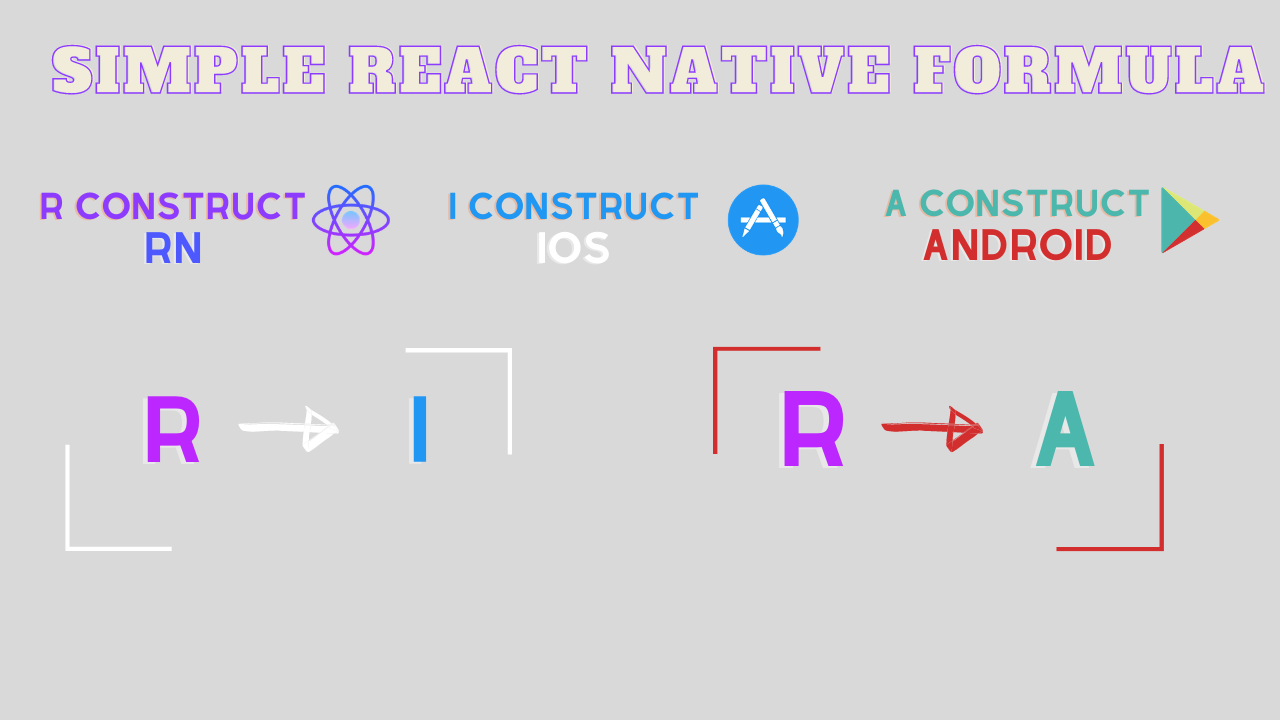
The New Architecture removes that step. JSI lets JavaScript hold direct references to native objects and call them without serialization. Fabric renders React's component tree straight into native views and can process updates synchronously when a gesture or an animation demands it. TurboModules load native modules on first use instead of at startup. For a client the practical consequences are three: lists and animations behave like native ones, native integrations are simpler to write and to debug, and startup is faster because less is loaded up front.
A decision checklist before you commit
Run through these with your team before choosing a stack. If most answers point the same way, the decision is made.
- Will the iOS and Android versions have the same features and the same flows?
- Is the product mostly screens, forms, lists, media and network calls, rather than graphics or hardware?
- Do you expect to ship updates every few weeks after launch?
- Is time to market a constraint, not just a wish?
- Does your team already know React or TypeScript, or would you rather hire for that than for two native stacks?
- Are the few platform-specific features (payments, notifications, maps) ones with maintained React Native modules?
Five or six ticks: React Native. Two or fewer: native, or at least a conversation about why. In between, the honest answer is a short discovery phase that prototypes the risky screen on both approaches; that is the work we do in the first weeks of a mobile MVP, and it costs far less than choosing wrong.
What drives the cost of a React Native app
The framework does not set your budget; the product does. The cost drivers we see across projects are the number of distinct screens and states, the integrations that need native code, the design system (a custom one costs more than a platform-standard one), the amount of offline behaviour, and the release surface (two stores, several device generations, accessibility). React Native lowers the multiplier on all of these because each is built and tested once. It does not remove them. A quote that promises a fixed price before those five are known is guessing, whichever framework it names. Our services page describes how we scope that discovery.
What the first weeks of a React Native build look like
The checklist above tells you whether to choose the framework. This section is about what happens once you have, because the decisions made in the first few weeks are the ones that are expensive to reverse later. Here is the sequence we follow on a new project.
- Start on Expo and decide early whether you will need to leave the managed workflow. Most apps never do. If you already know you need a custom native module, plan for Expo's prebuild step from day one rather than discovering it mid-project.
- Switch TypeScript to strict mode before the first screen exists. Retrofitting strictness onto a grown codebase is tedious; starting strict costs almost nothing.
- Audit the native surface. List every feature that will touch the platform directly: payments, push notifications, maps, camera, biometrics, background work. For each, name the maintained module you will use or accept that you will write native code. This list is the single best predictor of schedule risk.
- Pick navigation and state management once. Changing either after a dozen screens exist is a rewrite in disguise. We default to the navigation library the Expo docs recommend and keep global state small; most state belongs to the screen that owns it.
- Build the riskiest screen first, on a cheap Android phone. Performance problems show up on low-end hardware long before they show up on a developer's iPhone. If the hardest screen is smooth there, the rest of the app will be.
- Set up the release train before the first demo. Builds through EAS, a store listing in draft, and a written policy for which changes may go out as over-the-air updates and which need a store release. Teams that leave this to the end lose weeks at the worst possible moment.
- Agree a performance budget in plain words. Cold start that feels instant, lists that do not drop frames while scrolling, no spinner longer than a breath on a good connection. Write it down and test against it at every milestone.
None of this is specific to React Native; a native team would do most of it too. The difference is that you do it once, and the answers hold for both platforms.
Final thoughts
Even where React Native still trails native on raw performance, the gap that mattered to business apps in 2021 has closed with the New Architecture, Hermes and Expo. What has not changed is the question you should ask: is this one product on two platforms, or two products that happen to share a name? For the first, React Native gives you one team, one release train and one codebase to maintain. For the second, build native and budget for it. Both are right answers; the mistake is choosing without asking.
FAQ
Is React Native still worth using in 2026? Yes, for products where iOS and Android share most of their features. The New Architecture removed the old performance ceiling, Expo removed most of the build pain, and companies such as Meta, Microsoft and Shopify ship it in production. It is not the right choice for games, hardware-centred apps or single-platform products.
Is React Native slower than native? For typical business apps the difference is no longer visible to users. Lists, navigation and animations run through the native renderer, and animations can run on the UI thread. Native still wins for sustained heavy graphics, real-time audio and video processing, and hardware-level work.
Do we need native iOS or Android developers on a React Native project? Not full time, but you need someone who can write and debug native modules when payments, background tasks or device features demand it. We staff React Native projects with engineers who have shipped native code before, for exactly that reason.
Can a React Native app be moved to native later? Yes, screen by screen. Because React Native renders native views and lets you embed native screens, teams that outgrow it usually rewrite the few performance-critical screens natively and keep the rest, rather than starting over.
React Native or Flutter? Both solve the one-codebase problem. React Native uses JavaScript or TypeScript and React, which most web teams already know, and renders real platform views. Flutter uses Dart and draws its own UI. If your team is a React team or you want the app to feel platform-native by default, choose React Native; if you want pixel-identical UI on every platform and do not mind Dart, Flutter is a fair alternative.
Should an existing React Native app move to the New Architecture? Yes, when it is on a release line that supports it, and sooner if it depends on third-party libraries that have already dropped support for the old bridge. The migration is mostly a dependency audit: every native module must be compatible with TurboModules and Fabric. Apps built on Expo get much of this for free when they upgrade the SDK. Plan it as its own short project with a full regression pass rather than folding it into feature work.
If you are deciding between React Native and native for a product you plan to launch this year, we can prototype the risky screen on both, put a scoped estimate behind each, and build whichever one wins. Talk to IvorySoft and we will set up a short discovery call.
